Build, approve, and ship AI workflows without losing control.
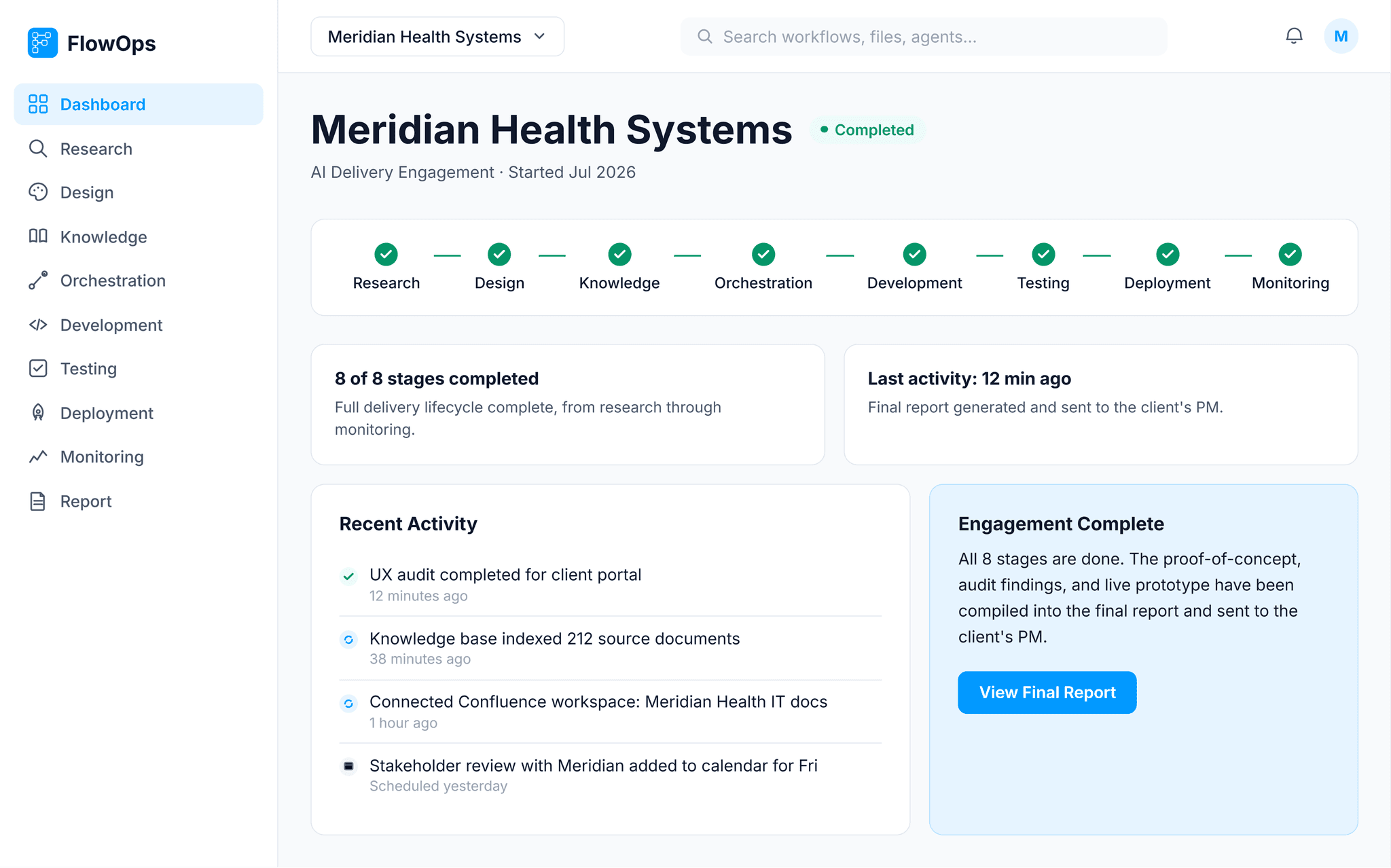
FlowOps is an enterprise AI delivery platform built around a visual, node-based canvas — where teams connect AI models, enterprise knowledge, and business systems into workflows they can test, deploy, and monitor from one place.
Why this exists
Enterprise AI initiatives usually stall between a working prototype and production. Teams stitch together design tools, workflow builders, project trackers, and email, and nobody has one place to see the whole picture. FlowOps imagines a consulting team taking a client engagement — from a fresh set of requirements or an audit of an existing product — through to a working proof of concept, all inside one platform, with a person approving the decision at the right moment rather than an AI deciding alone.
Research & competitive analysis
Before designing anything, I looked at how the closest existing tools handle workflow automation, and where they fall short for an enterprise delivery use case.
Competitive analysis
Gaps in existing tools
None of these tools treat governance as part of the workflow. Approval always lives outside the canvas — a separate Slack message or a review meeting. That gap became the starting point for FlowOps's Approval Gate.
Framing the problem
Problem statement
A Product Manager running a client AI engagement needs one place to see research findings, design decisions, and build status, so she can defend every recommendation to a client without switching between five disconnected tools.
Persona
User story
As a PM running a client engagement, I want to see research, design, and build status in one place, so that I can approve work at the right moment and hand off a credible deliverable without chasing updates across the frontend team, backend team, QA, and DevOps separately.
Structuring the platform
Information architecture
I mapped the full delivery lifecycle a consulting team runs, then organized it as peer modules rather than a single tool with settings.
Building it
Design system
A Material UI based system with a restrained enterprise palette, one clear primary color, and states designed around workflow status rather than decoration.
Orchestration deep dive
The centerpiece screen. Nodes can be added manually or described to an AI assistant that builds them live. The Approval Gate is a real branch in the workflow — reject it and the flow visibly loops back to re-audit.

Key screens


Checking the work
Heuristic self-evaluation
I reviewed every screen against Nielsen's ten usability heuristics before calling it done. The clearest gap: early versions of the Orchestration canvas gave no feedback between adding a node and it appearing, which violates visibility of system status. I fixed it by making the newest node always show a distinct active state until the next one is added.
Reflection
The hardest call was resisting the instinct to make the canvas the hero. Most tools in this category over-index on the builder. Given more time, I'd push further on the Administration module, since role-based access and audit trails are what actually earn trust with enterprise buyers.
See it running, not just described
Build a workflow, run it, and watch the Approval Gate pause the pipeline for a human decision.